Type once. See your CV in 10 designs, live.
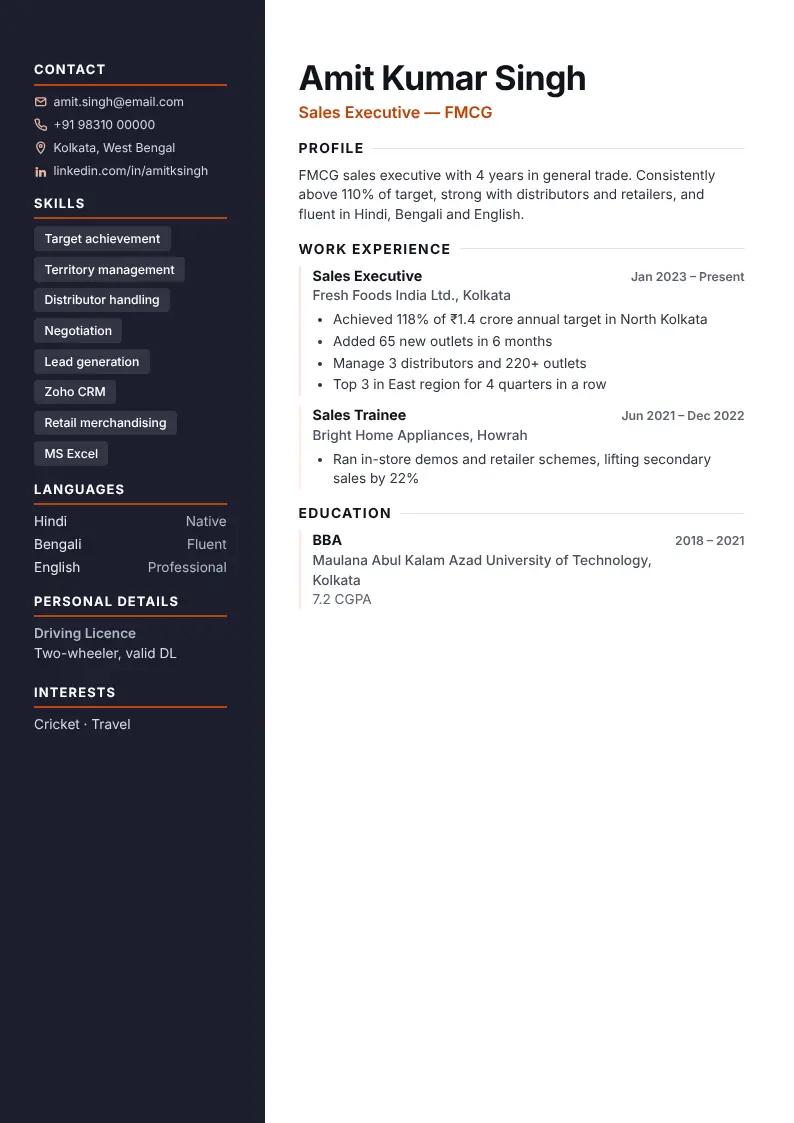
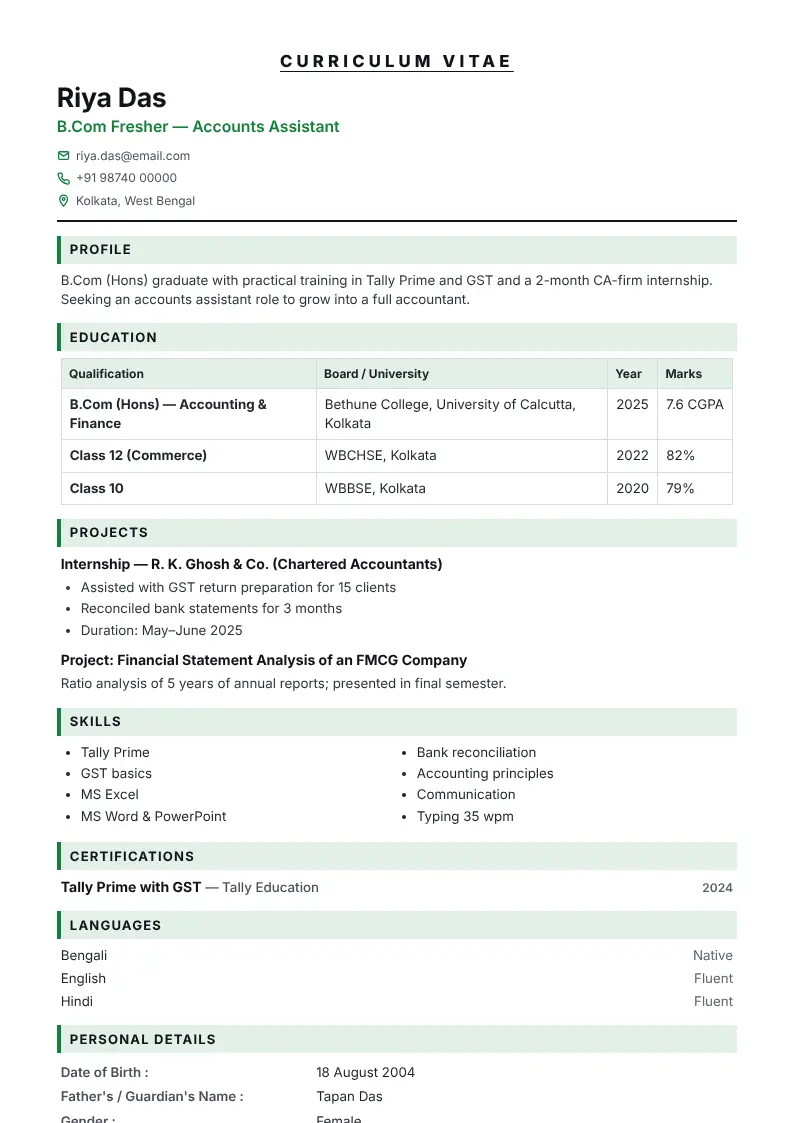
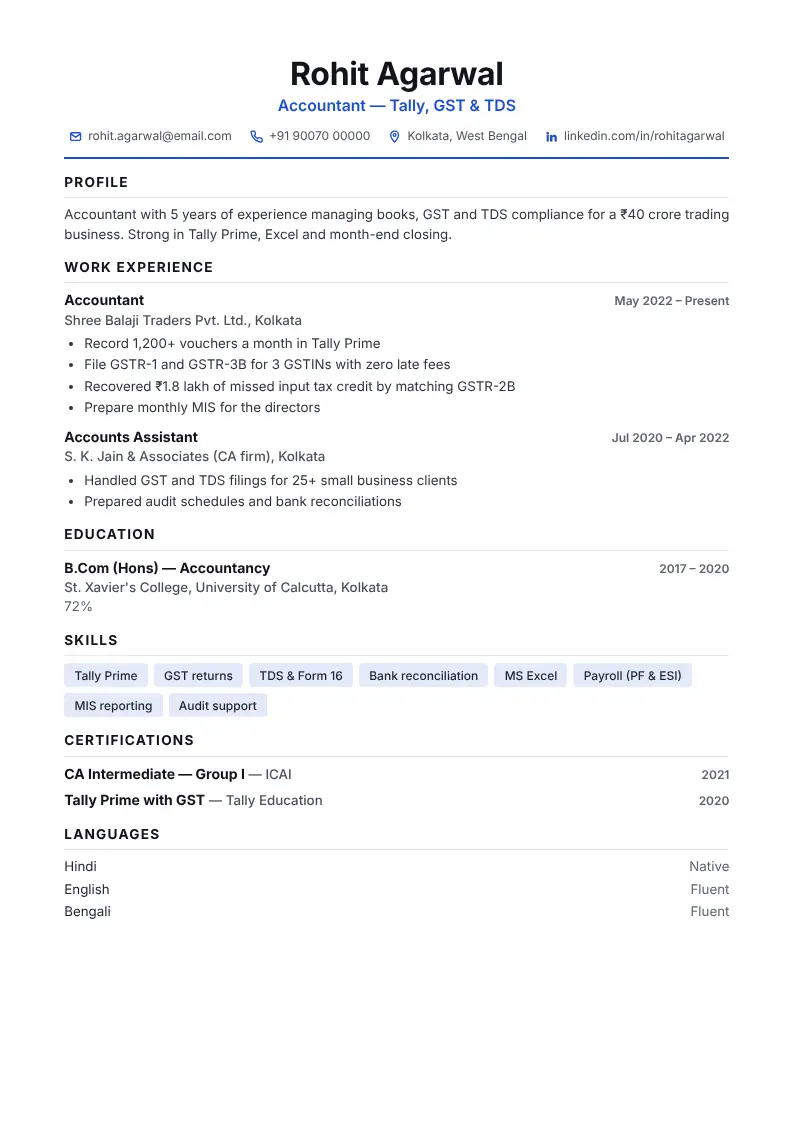
CV Dost turns your details into a professional resume while you type — and shows it in ten designs side by side, from a clean ATS format to an Indian government format and a Gulf-jobs CV. Download as PDF, Word or image.
Ten designs, one set of details
Every design below is the same CV maker — click one to open it with a sample you can edit.
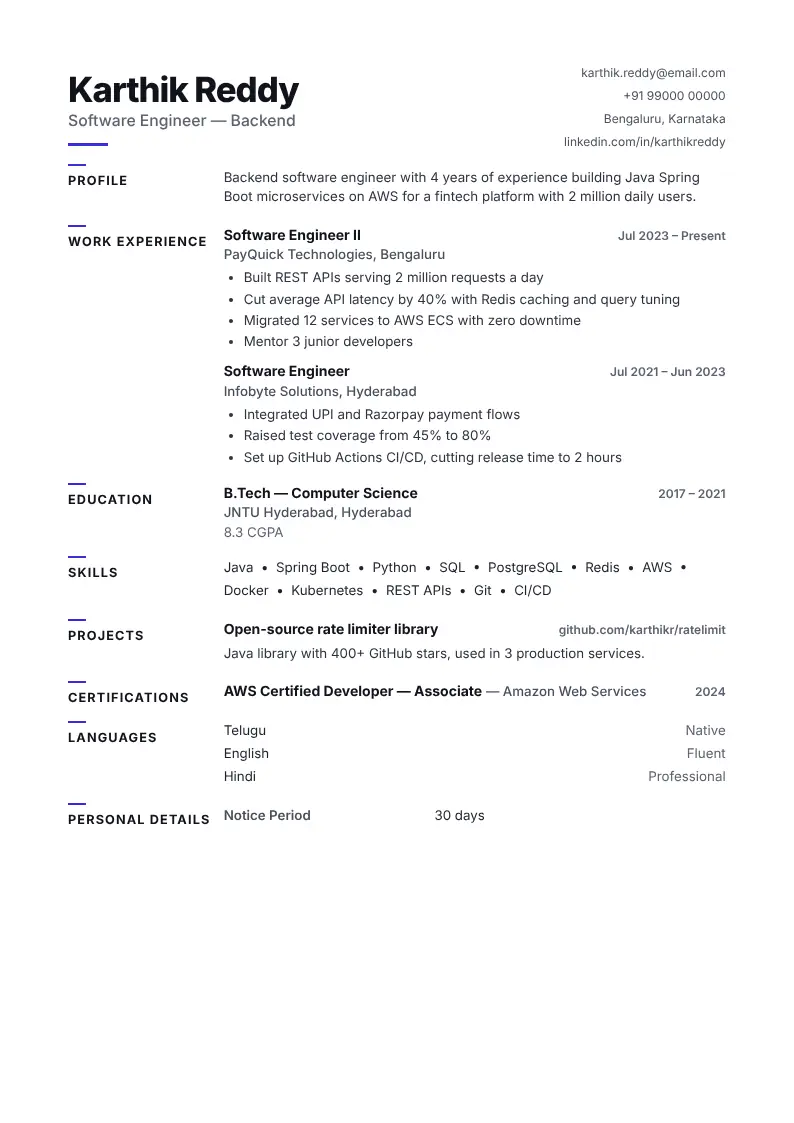 3. Minimal
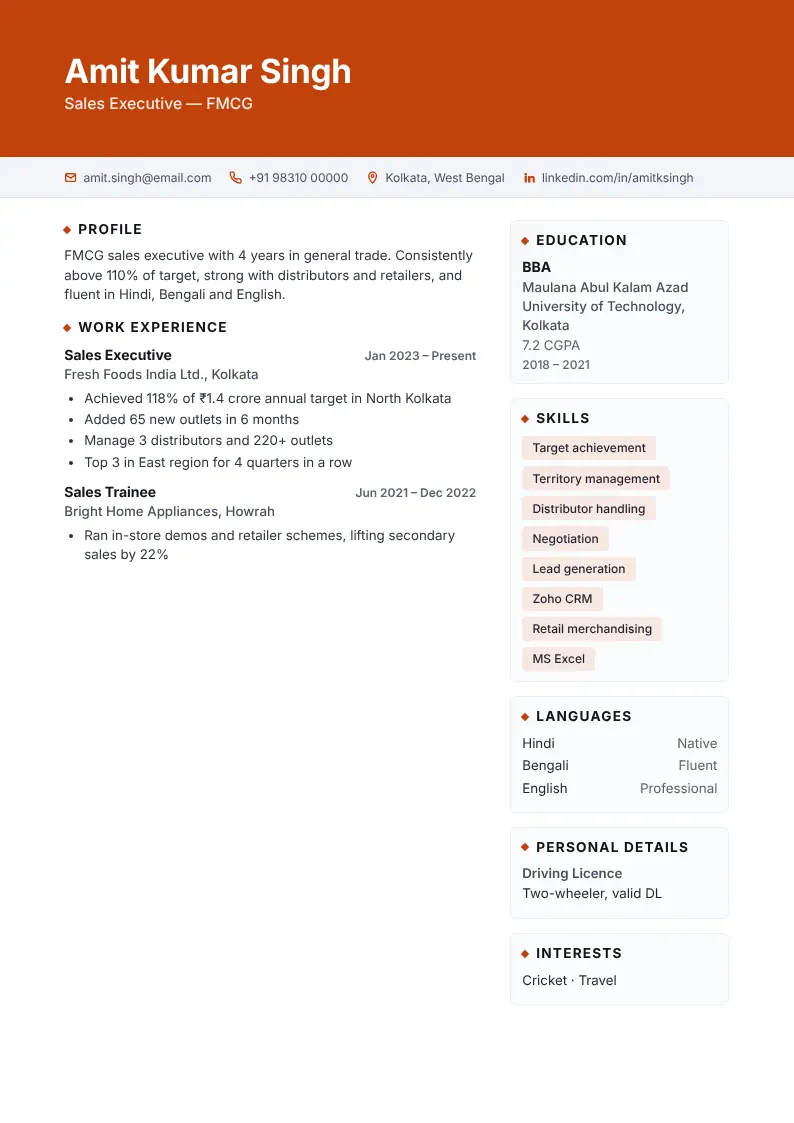 4. Executive
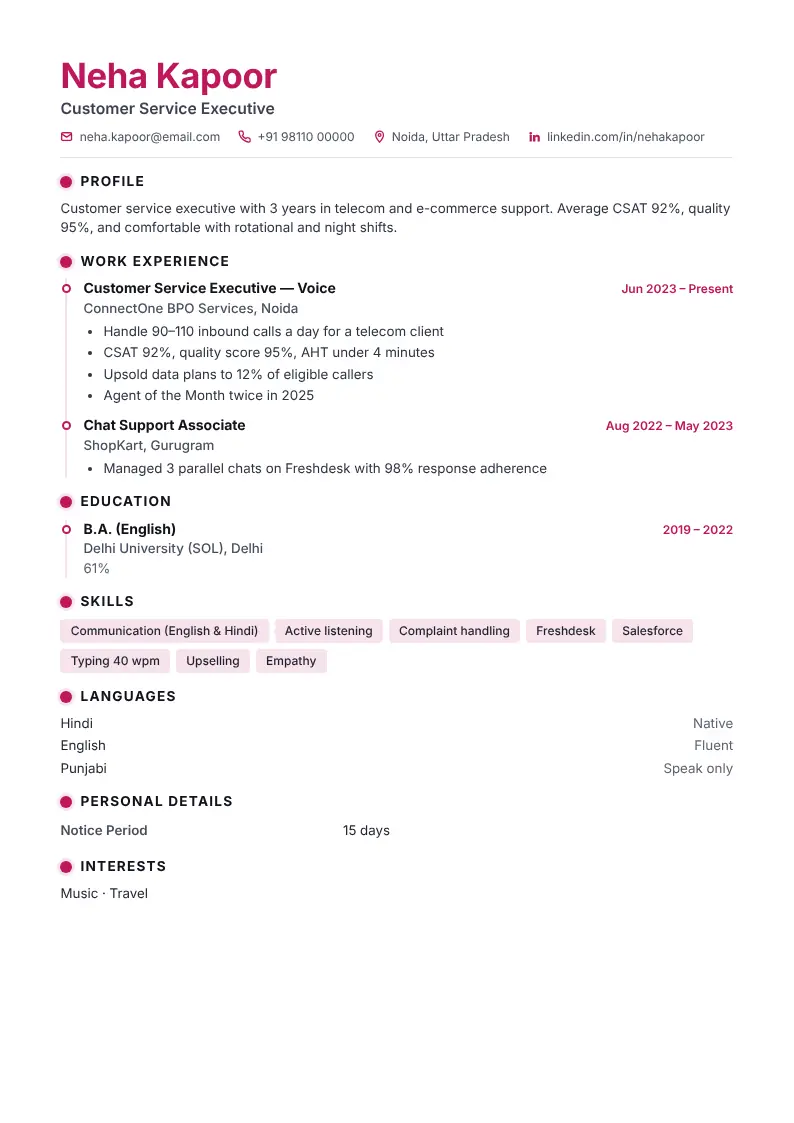 5. Timeline
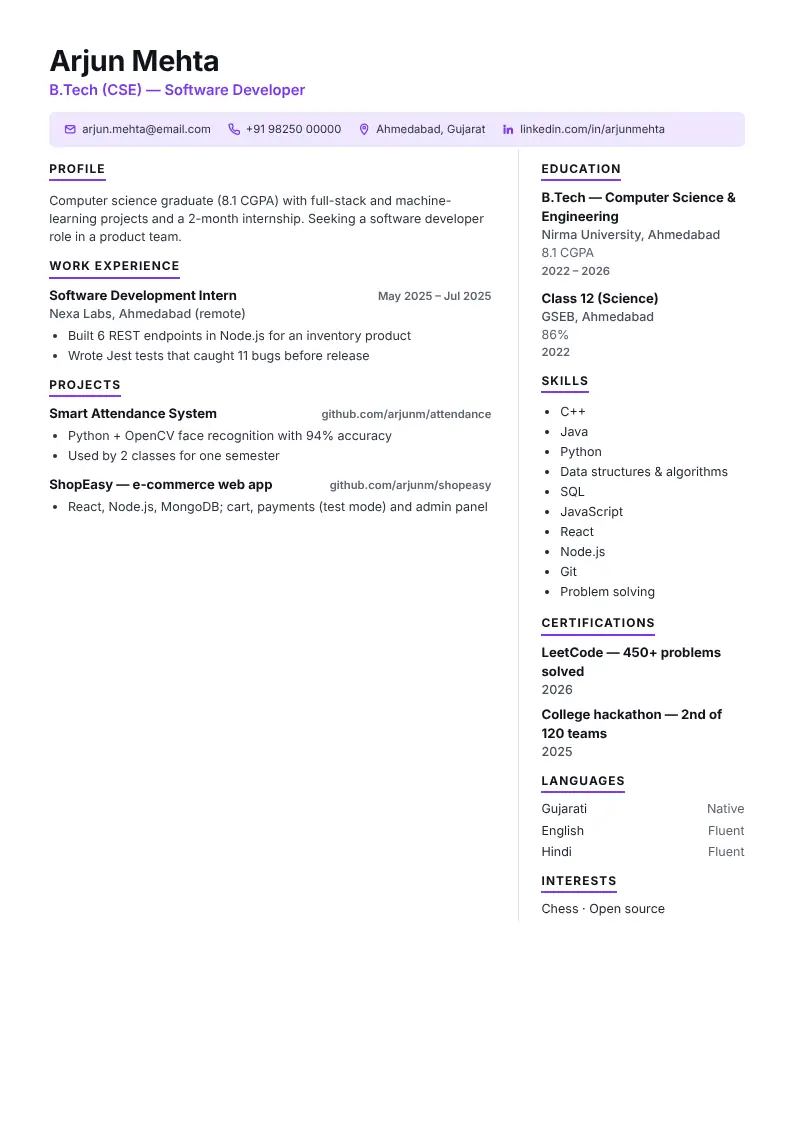 6. Compact
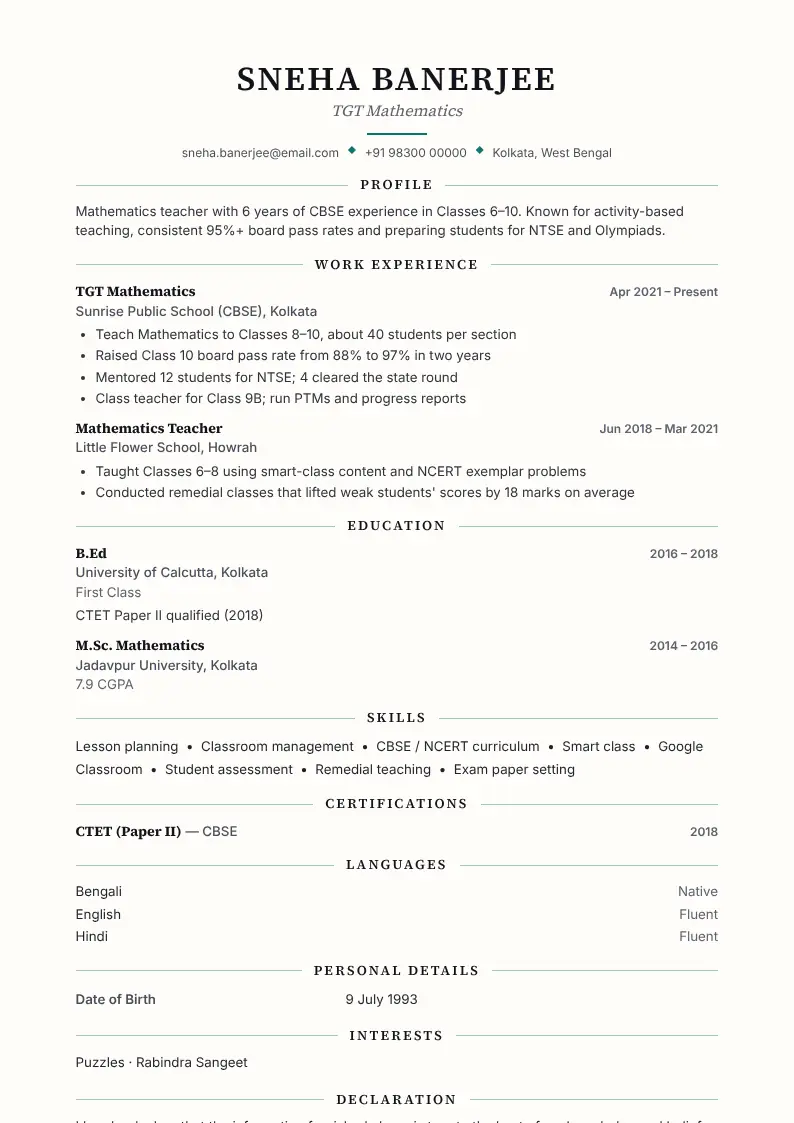 7. Elegant
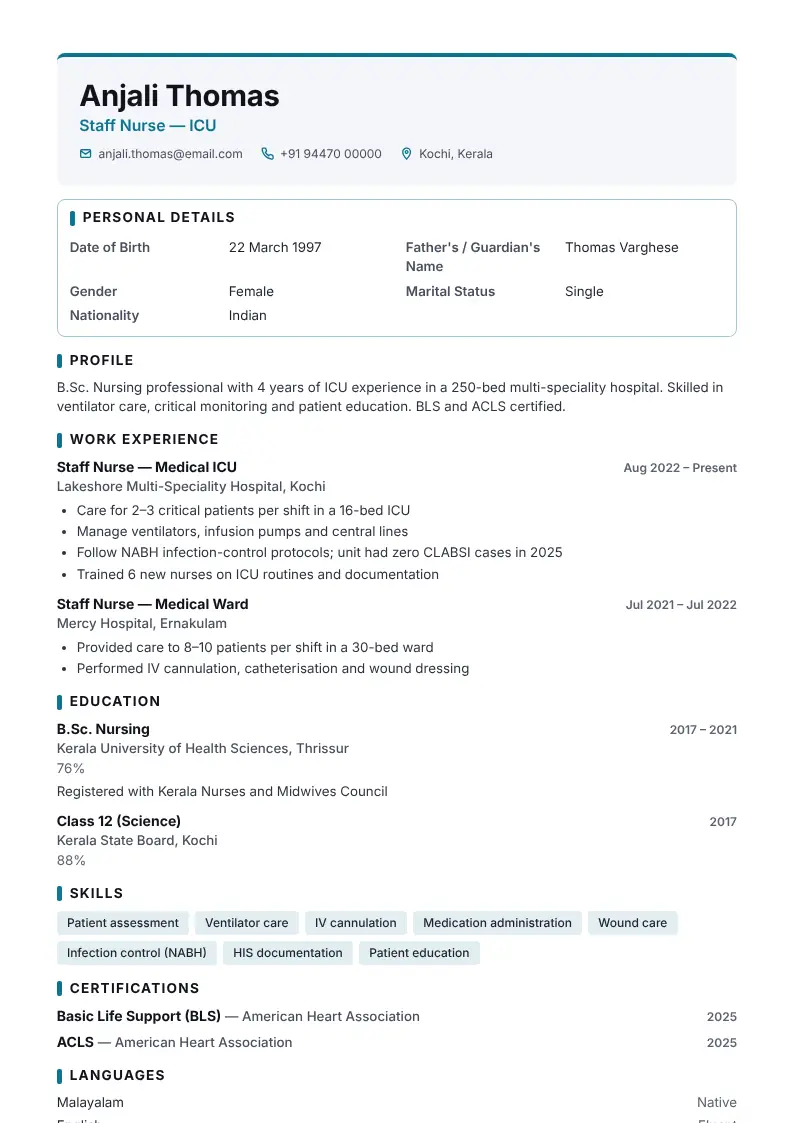 9. Gulf / Overseas
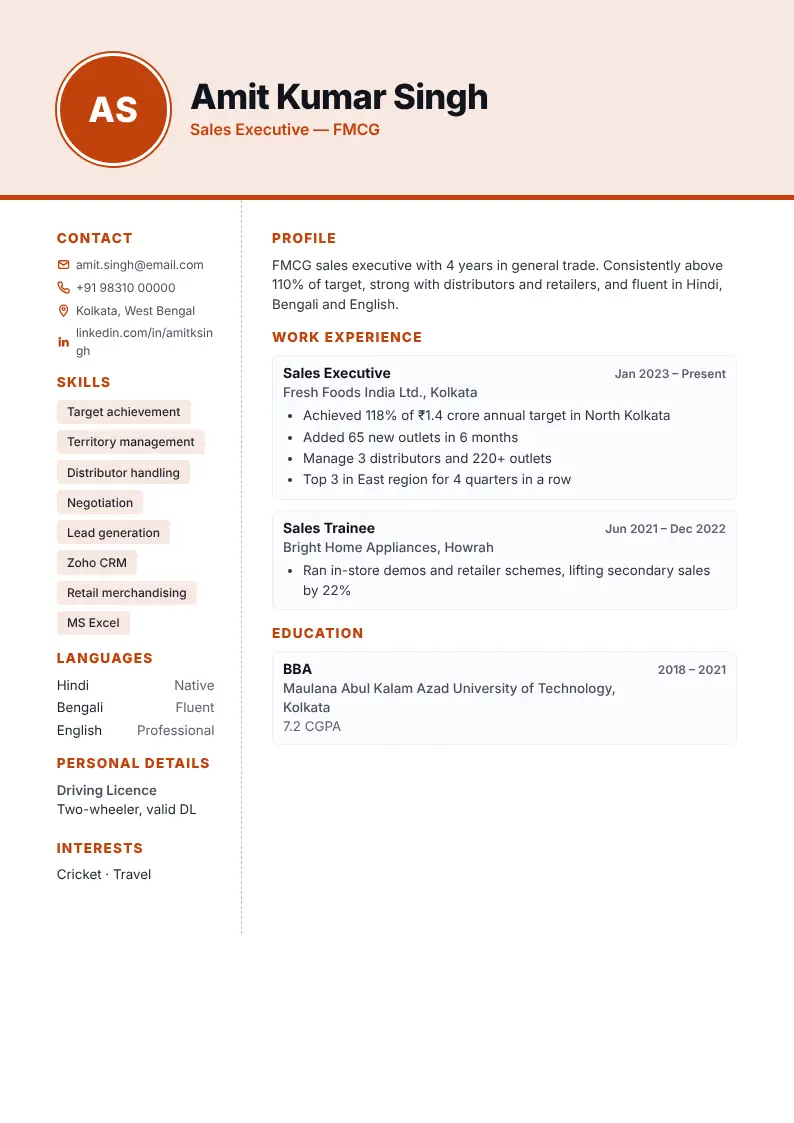 10. Creative
Built for how India applies for jobs
10 live designs
See your CV change in all ten designs as you type and pick the one that suits the job.
35 languages
Headings, labels and declaration in every Indian language — Hindi to Tamil, Urdu to Santali — and major world languages including Arabic.
Indian & Gulf formats
Photo box, father's name, education table, declaration with signature — plus a passport & visa box for Gulf jobs.
Suggestions by job
Ready-made objectives, work points and skills for teachers, nurses, accountants, developers and more.
CV strength score
Instant tips: missing numbers, too-long profile, weak skills — fix them before you apply.
PDF, Word, image, text
Download a print-ready PDF, an editable Word file, a JPG for WhatsApp or plain text for job portals.
Private by design
Your CV is saved only in your browser. Keep several CVs, duplicate them and back them up.
Popular formats and samples
Your CV in three steps
Fill in your details
Guided fields with suggestions for your job.
Pick a design
Compare 10 designs live; change colours, fonts and section order.
Download & apply
PDF, Word or image — ready for email, portals or WhatsApp.
Frequently asked questions
Do I need to create an account?
How do I download my CV as a PDF?
Can I make my CV in Hindi, Tamil, Bengali or another language?
Is my information safe?
Will my CV pass applicant tracking systems?
Your next interview starts with a great CV.
Open the maker and have a polished draft today.